 Moth
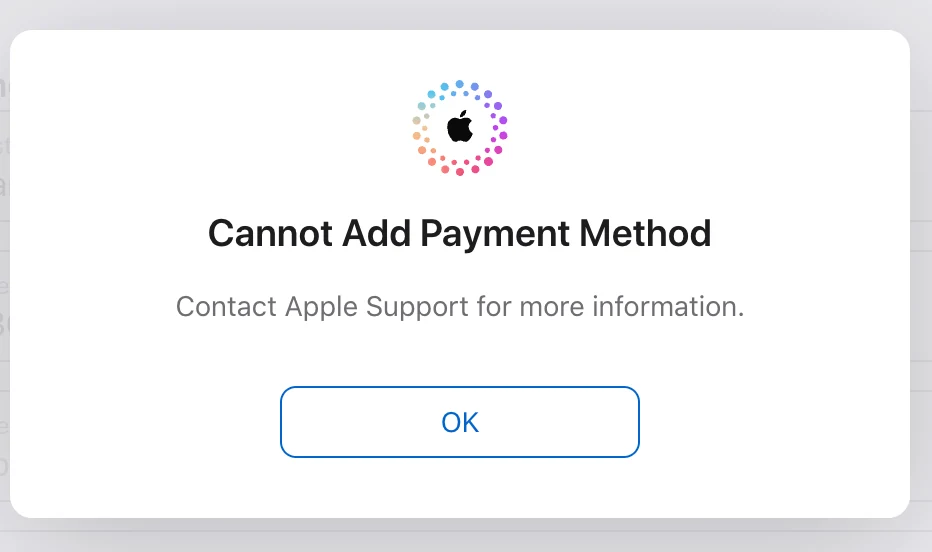
You try to add a Singapore card to your US Apple ID, and Apple replies with "Cannot Add Payment Method." The card is active, the balance is fine, and you even typed in a US billing address. It still fails.
Here is why it happens and what you can do about it.
1. Common Problems When Adding the Card

The same card, the same error, every time
Most people who hit this report the same pattern: the card pays everywhere else, but the App Store keeps rejecting it.
- You can't add a Singapore Visa card to a US Apple ID.
- Apple shows "Unable to Verify Payment Information."
- Adding a US billing address and ZIP code doesn't help.
- The card works for regular purchases but not in the App Store.
- Trying again and again keeps failing.
2. Why Does a Singapore Visa Card Fail on a US Apple ID?
The main reason is a mismatch between the card's issuing country and the country or region of your Apple ID.
Apple applies regional rules to every Apple ID payment method. Whether a card is accepted depends on more than the Visa or Mastercard logo. Apple also looks at where the card was issued and whether the verification details check out.
| What Apple checks | What it means for a Singapore Visa card |
|---|---|
| Card issuing country (BIN) | A Singapore BIN doesn't match a US Apple ID |
| Billing address (AVS) | A US address won't match what your Singapore bank has on file |
| Card type | Some prepaid and virtual card BINs are restricted |
| $0 or $1 authorization | The bank or payment provider may decline the test charge |
Reason 1: The Card's Issuing Country Doesn't Match Your Apple ID Region
This is the main issue
A US Apple ID expects a payment method that meets US regional requirements. A Singapore-issued card carries a Singapore card BIN (Bank Identification Number).
During verification, Apple can read the issuing country from the BIN and reject the card because it doesn't match the US account region. In other words, a card that supports international Visa payments isn't automatically accepted on a US Apple ID.
Reason 2: Billing Address Verification (AVS) Fails
The address has to match your bank's records
Apple asks for your name and billing address, and these should match what the card issuer has on file.
If you use a Singapore-issued card but enter a US billing address, the address check is likely to fail. Typing a random US address or ZIP code won't fix a mismatch in the card's issuing country.
Reason 3: Prepaid or Virtual Card BINs Aren't Supported
Apple may restrict certain prepaid or virtual card BINs. Even a card issued in the same country as your Apple ID isn't guaranteed to pass, because the restriction depends on the specific BIN.
Reason 4: The $0 or $1 Authorization Fails
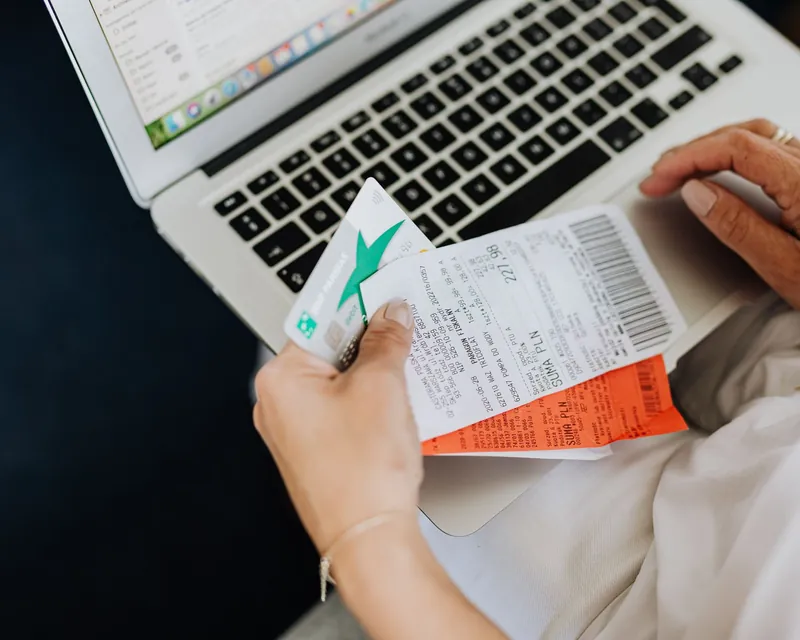
A small test charge has to go through
When you add a card, Apple may place a $0 or $1 authorization to check that the payment method works.
Verification can fail if:
- The card has too little balance or is frozen.
- The card issuer declines the authorization.
- The payment provider or bank blocks the charge for risk reasons.
You can check these cases in the card's transaction history. If the test charge shows up as declined, see why a card can be declined by every merchant.
3. How to Fix the Apple ID Payment Issue
Which fix works depends on where your card was issued and whether you need to keep the US account.
| Option | Best for | Keeps your US Apple ID? |
|---|---|---|
| Switch to a Singapore Apple ID | Paying directly with your Singapore Visa card | No |
| Use a US-issued bank card | US-only apps and services | Yes |
| Redeem a US Apple Gift Card | Keeping the US account without a US card | Yes |
Option 1: Use a Singapore Apple ID (Recommended)
If you want to pay with your Singapore Visa card directly, the simplest route is to change your Apple ID country or region to Singapore.
Change your Apple Account region to Singapore
On iPhone, in the Settings app
Switch the account, then add the card again

- 01
Open Settings and tap your name
This opens your Apple Account.
- 02
Tap Media & Purchases
Then tap View Account. You may be asked to sign in.
- 03
Tap Country/Region
Choose Change Country or Region.
- 04
Select Singapore
Review and accept the terms.
- 05
Enter your Singapore payment details
Use the billing address registered with your card issuer.
- 06
Add your Singapore Visa card again
Apple runs a new verification against the Singapore region.
Before you switch
You may need to spend your remaining Apple Account balance, cancel some subscriptions, and wait for pending purchases or refunds to finish. Check Apple's official requirements first.
Option 2: Use a US-Issued Bank Card
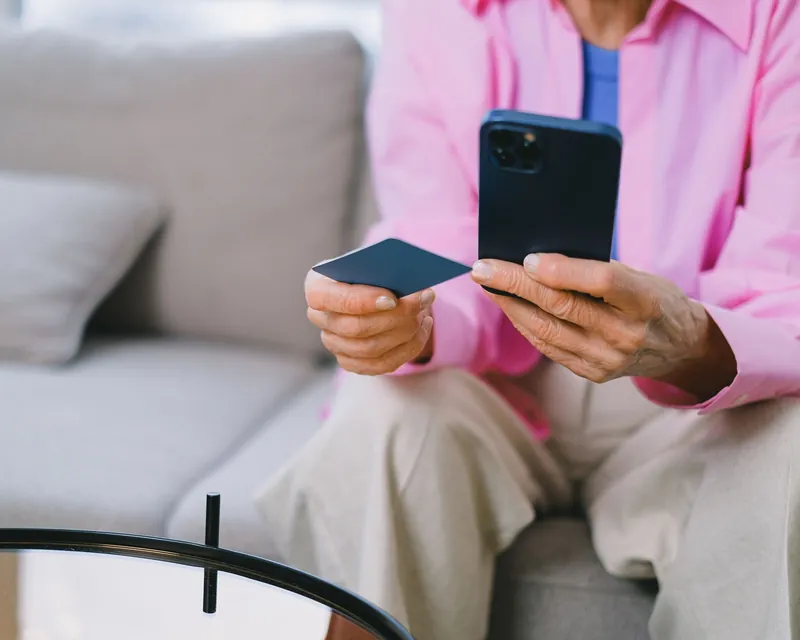
For US-only apps and services
If you must keep a US Apple ID, for example to buy apps only offered in the US App Store, you need a payment method that meets US regional requirements.
A card that works with a US Apple ID
3 checksCard requirements
1. US-issued BIN
The card is issued in the US.
2. Matching billing address
The billing address matches what the card issuer has on file.
3. Real US issuing details
Entering a US billing address doesn't turn a Singapore-issued card into a US-issued card.
Keep in mind
Apple still runs its own verification, so meeting these requirements doesn't guarantee approval.
Option 3: Redeem a US Apple Gift Card
If you want to keep your US Apple ID but don't have a US-issued card, you can add funds with a US Apple Gift Card. You don't need to link a bank card at all.
Add funds with a US Apple Gift Card
In the App Store
Top up your Apple Account balance
- 01
Buy a US Apple Gift Card
The gift card region must match your Apple Account region.
- 02
Open the App Store and go to your account page
Tap your profile picture.
- 03
Tap Redeem Gift Card or Code
Enter or scan the redemption code.
- 04
Spend the balance
Use it for apps and other eligible services.
Paying for the gift card
Whether a Singapore-issued card can buy a US Apple Gift Card depends on the seller's payment channel, so test it with a small amount first.
4. Final Thoughts
If your Singapore Visa card won't link to a US Apple ID, start by checking whether the card's issuing country matches your Apple Account region. Changing your US billing address again and again won't fix a BIN-level mismatch.
Depending on what you need, switch to a Singapore Apple ID, use an eligible US-issued card, or fund the account with a US Apple Gift Card. Matching the payment method to your Apple Account region is the most reliable way to stop the verification errors.
FAQ
My Singapore Visa card supports international payments. Why can't I add it to a US Apple ID?
Visa is a payment network and doesn't tell Apple where the card was issued. Apple also checks whether the payment method meets the regional requirements of your Apple Account, and a Singapore-issued card doesn't meet US requirements.
Can entering a US billing address fix the problem?
No. A billing address can't change the card's issuing country. A Singapore BIN stays a Singapore BIN even if you enter a US address, and the mismatched address can also make the AVS check fail.
My card has enough balance. Why does Apple still show "Unable to Verify Payment Information"?
Having enough money doesn't guarantee the card passes verification. Check first whether the card's issuing country matches your Apple ID region, then look at the billing address and whether the $0 or $1 authorization was declined.
Can I use a Singapore Visa card with a Singapore Apple ID?
You can try. Use a Singapore-region Apple ID and enter the billing address registered with your card issuer. Final approval still depends on Apple's verification.
What if I have to use a US Apple ID? Are there alternatives?
You can fund the account by redeeming a US Apple Gift Card, or use a US-issued bank card that meets Apple's payment requirements.
AI subscriptions
Cards that pay for ChatGPT and Claude
These six cards pay for ChatGPT and Claude subscriptions. Fund them from your USDT wallet, with no currency exchange or bank wire.
- Glow✓ ChatGPT · ClaudeCard number at checkout
- Pulsar-2✓ ChatGPT · ClaudeCard number at checkout
- Pulsar-1✓ ChatGPT · ClaudeCard number at checkout
- Sapphire✓ ChatGPT · ClaudePay with Google Pay
- Beam✓ ChatGPT · ClaudePay with Google Pay
- Lumen✓ ChatGPT · ClaudePay with Google Pay
Acceptance can change with the merchant, the card network and risk rules, so no payment is guaranteed. Fees and limits are shown in the app.
See all cards →